Image Capture.
Now on iPhone.
Scan documents and capture pages from any Wi-Fi printer or scanner, directly to your iPhone. No Mac. No cables. No third-party printer app needed.
ScanCap is Image Capture for iOS: the iPhone equivalent of Image Capture on Mac, and the simplest way to scan from any printer or scanner on your Wi-Fi network.
Everything you need. Nothing you don't.
Wi-Fi Scanner Discovery
ScanCap automatically finds every scanner and printer on your local network. No setup, no pairing, no account needed.
Scan to iPhone Instantly
Scan documents directly to your iPhone as PDF or JPEG. Choose your output format, resolution, and paper size, just like on Mac.
Camera Document Capture
No scanner nearby? Use your iPhone camera to capture document pages. Queue multiple pages and save as a single PDF.
Save Anywhere
Save scanned documents to Files, Photos, or share instantly via AirDrop, Mail, or any app on your iPhone.
No Account Required
ScanCap works entirely on your local network. No sign-up, no cloud, no subscription. Your documents stay on your device.
Works with Any Printer
Compatible with Brother, HP, Canon, Epson and any printer or scanner that supports AirScan or eSCL over Wi-Fi.
How it works
Open ScanCap
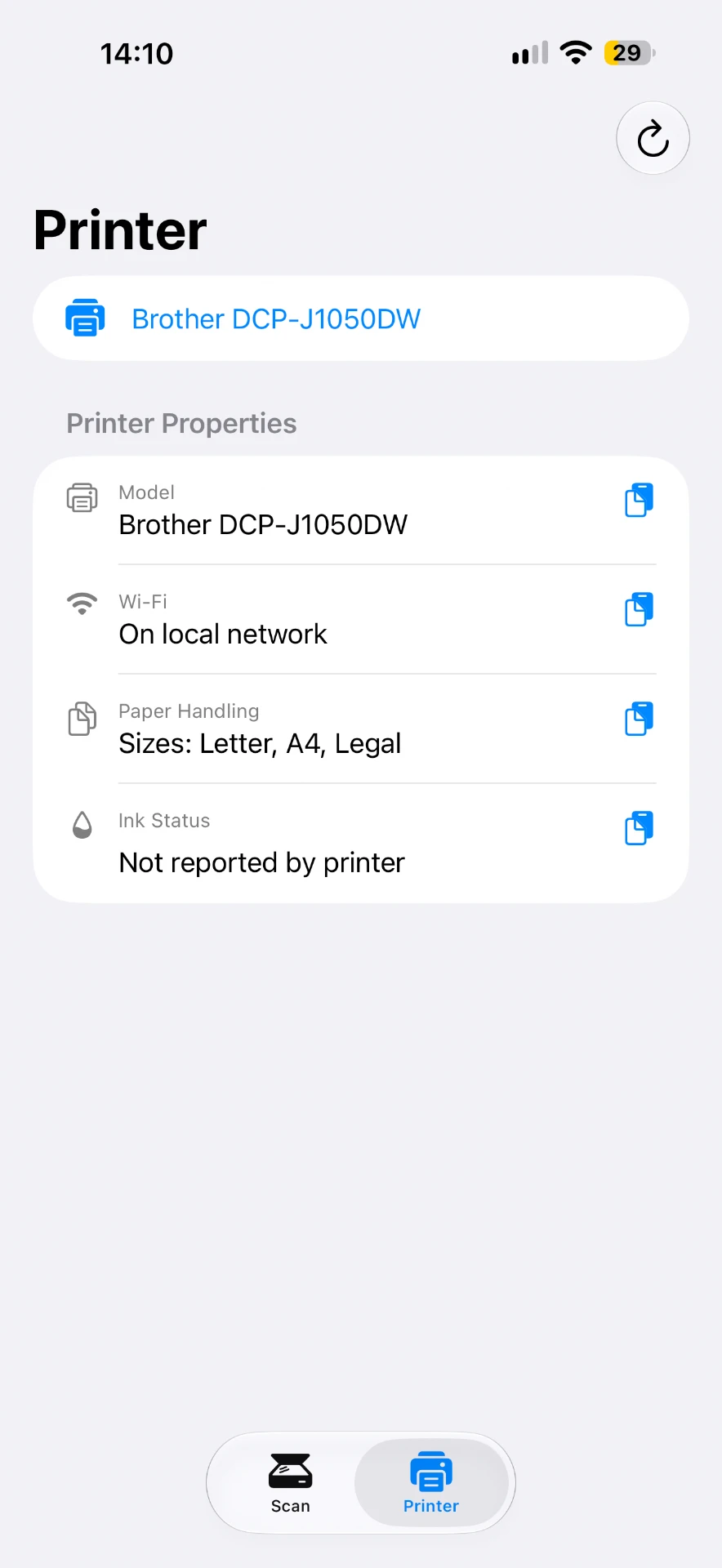
ScanCap instantly discovers every scanner and printer on your Wi-Fi network. Select your device from the list.
Choose Your Settings
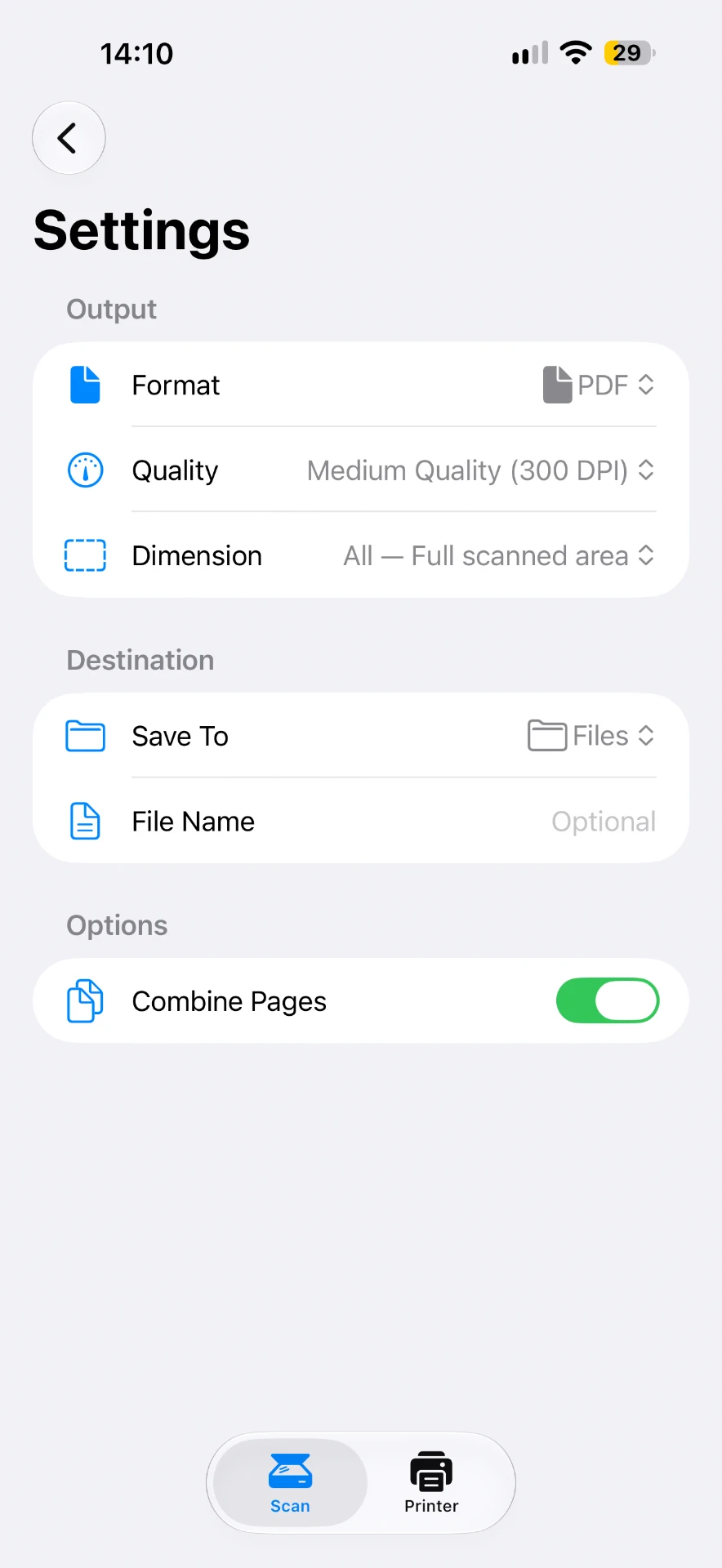
Set your output format (PDF or JPEG), resolution, paper size, and where to save. Everything in one place.
Scan
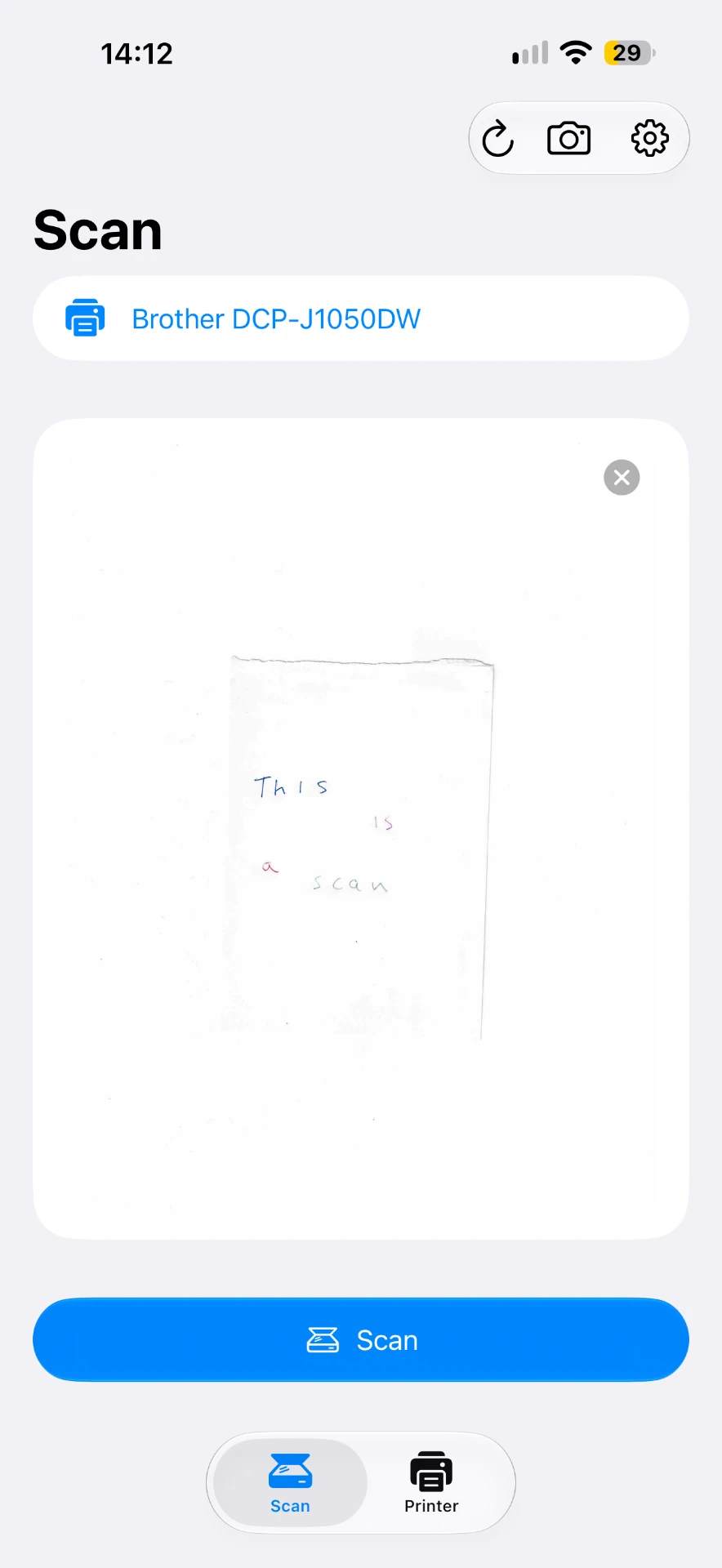
Tap Scan. Your document is captured wirelessly and saved directly to your iPhone, ready to share or store.
Or Use Your Camera
No scanner? Tap the camera icon, photograph your document pages, and ScanCap assembles them into a clean PDF.

Finally, Image Capture for iPhone
| Image Capture (Mac) | ScanCap (iPhone) | |
|---|---|---|
| Wi-Fi scanning | ||
| Camera capture | ||
| No account needed | ||
| Save to Files | ||
| Works wirelessly | ||
| Runs on iPhone |
"Just like Image Capture on my Mac, but on my iPhone. Finally."
One-time purchase. No subscription.
Image Capture for iOS: common questions
Is Apple's Image Capture app available on iPhone or iOS?
No. Apple only includes Image Capture on macOS. ScanCap brings the same scanning workflow to iPhone and iPad, so you can scan from your Wi-Fi printer or scanner without a Mac.
How do I scan from a printer to my iPhone without a Mac?
Open ScanCap on the same Wi-Fi network as your scanner. It finds the scanner automatically, you choose format and resolution, and the scan lands on your iPhone as a PDF or JPEG.
Which scanners work with ScanCap?
Most modern Wi-Fi printers and scanners that support AirPrint or eSCL scanning, the same ones Image Capture on Mac can see.
Need help?
We're here. Send us a message and we'll get back to you within 24 hours.